AI Listing Video Kit PRO
Transform listing pics into a profitable video ad - in 1 day.
Overview and checklist
✓ Computer
✓ AI agregator (eg. Higgsfield.ai, Freepik.com)
✓ Capcut Desktop
✓ Meta Business Suite
1. Elevate Listing Photos with AI
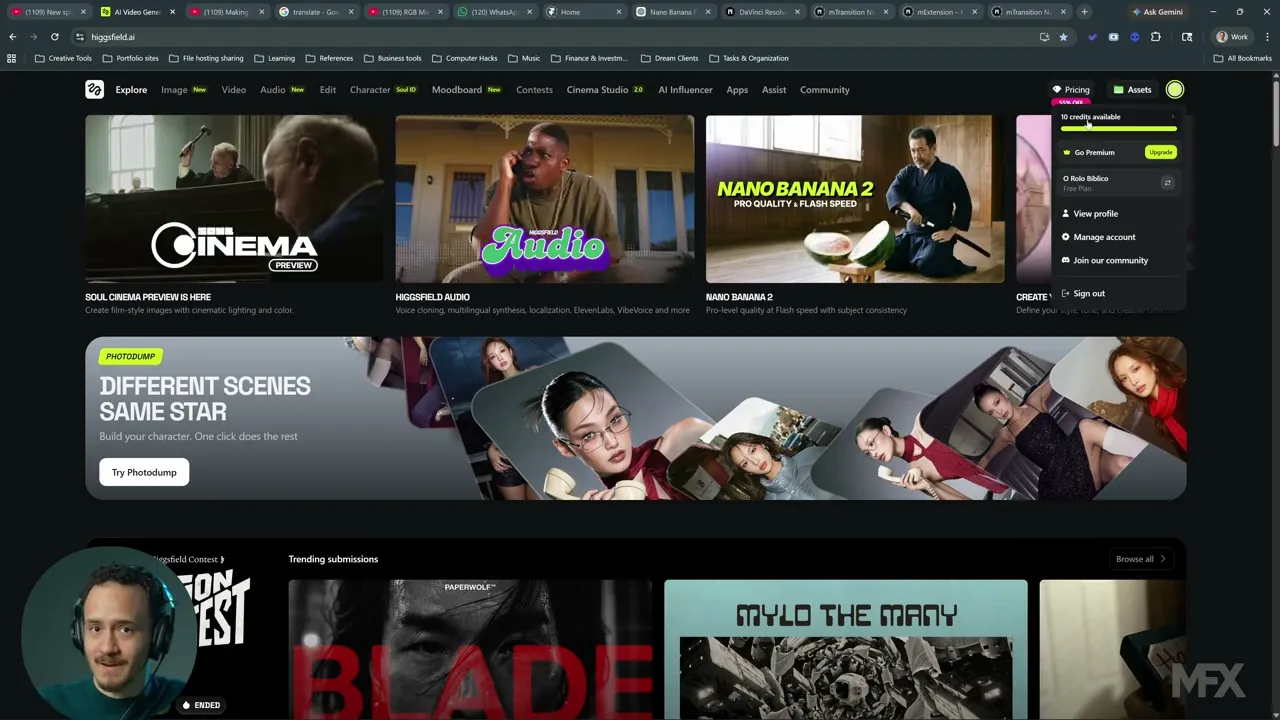
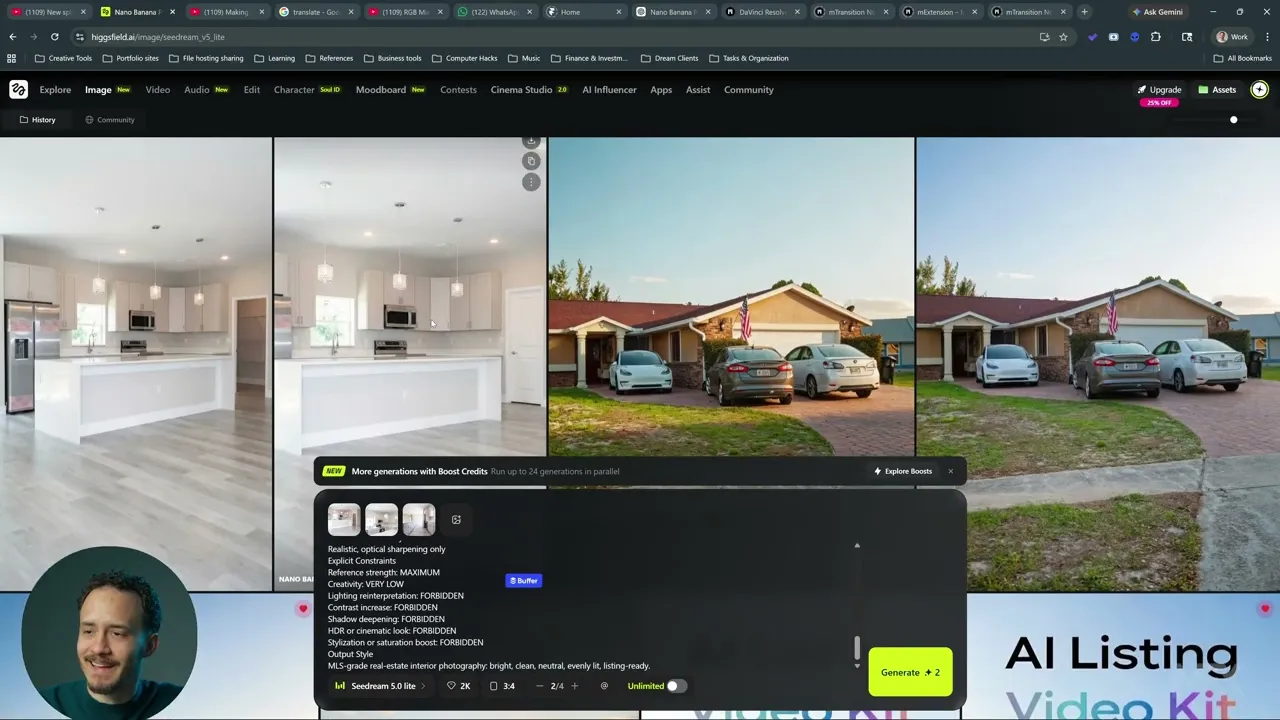
PRO 1: Quick choice: Nano Banana vs. Seedream
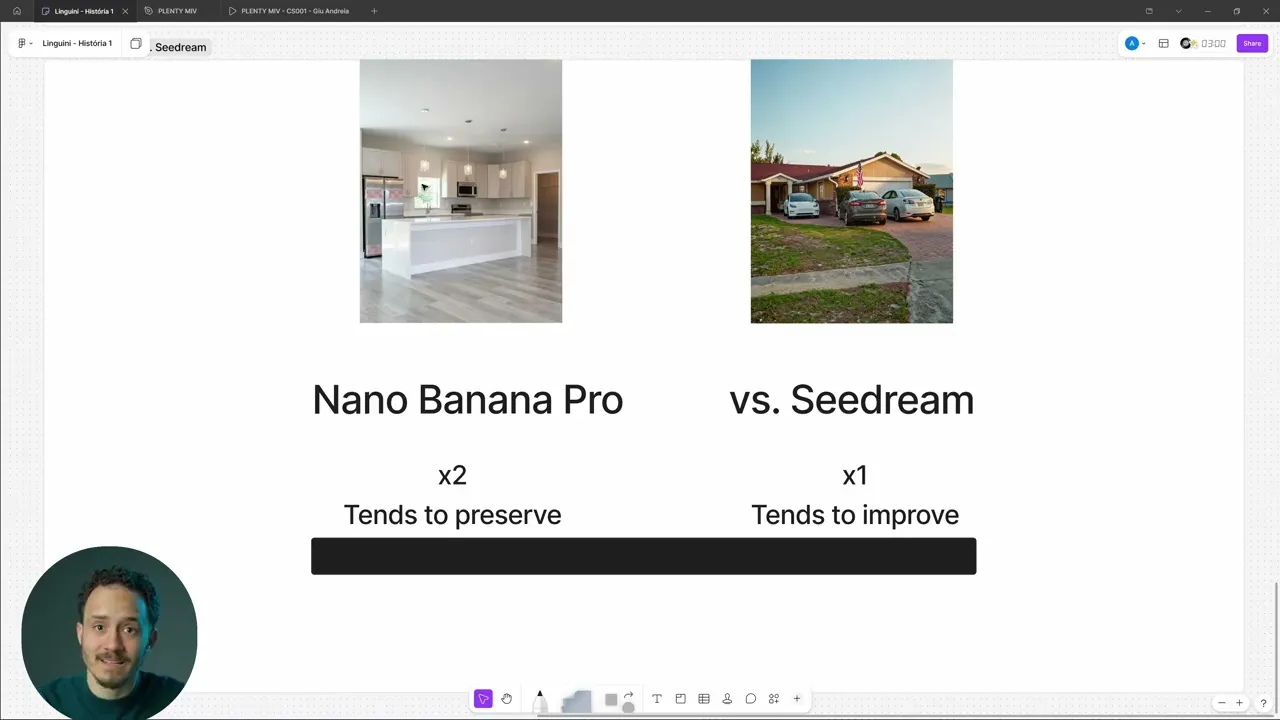
PRO 2: Challenging Photos & Reference Images
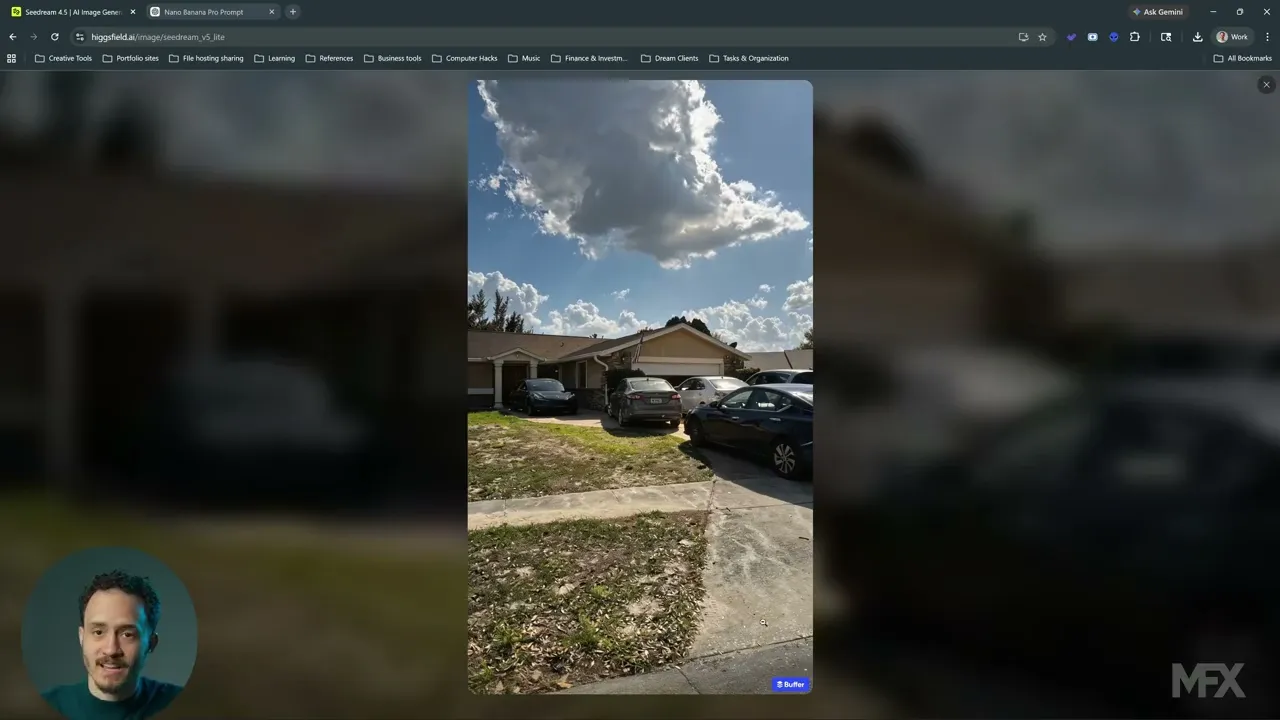
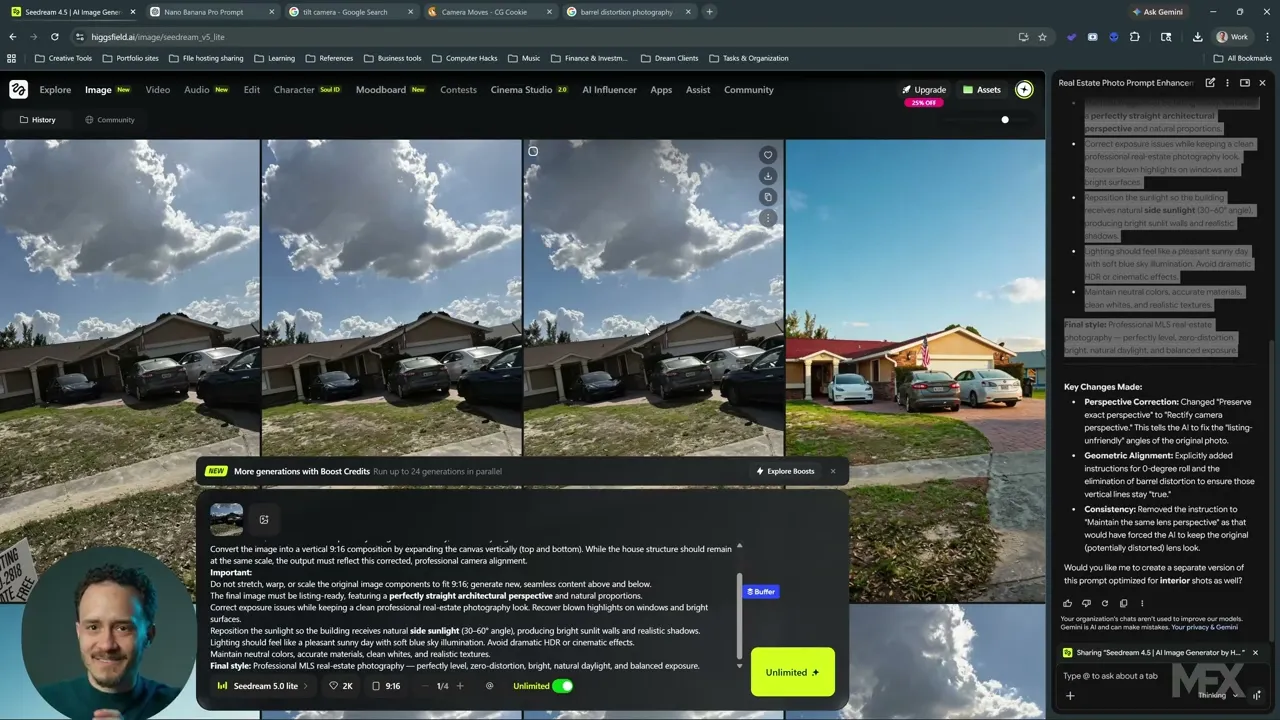
PRO 3: Customizing your prompts & using an Image Editor
2. Adding Motion
PRO 4: When other AI models shine?
(Video TBA)
My AI video Model Ranking for Real State:
Seedance 1.5 Pro - Best for smooth big motions - 3 credits
Kling 2.6 - Best for orbit and start-end frames - 5 credits (+5 audio)
Minimax 2.3 - Best for subtle orbit - 6 credits
Cinema Studio 2 - Best for subtle motion + prompt adherence - 10 credits
PRO 5: Complex drone flights with start and end frames.
(Video TBA)
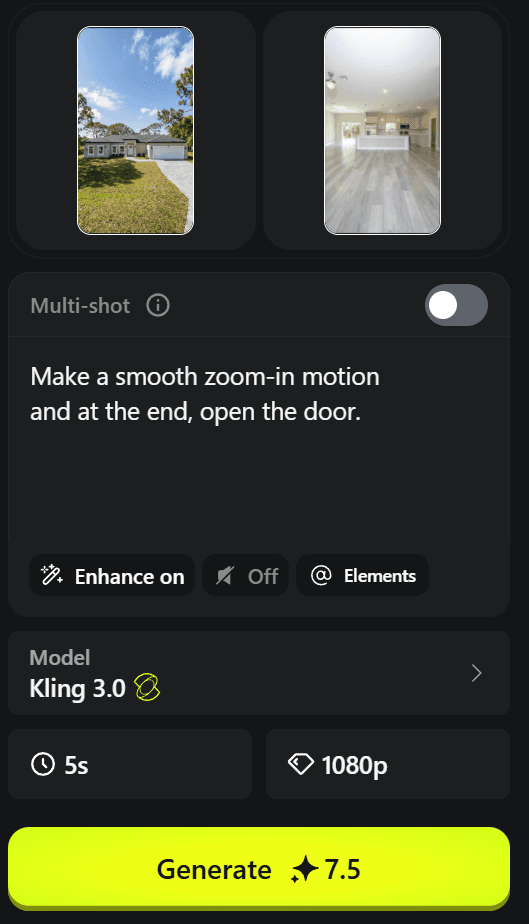
1. Just add a start and end frame
2. Use Kling 2.6 or Kling 3
3. Apply a simple prompt like:
Make a smooth zoom-in motion and at the end, open the door.
3. Edit
Launches in
⏳ We'll send you an email when it releases ⏳
Lite Classes
A. Install Capcut
B. The Quick Edit Formula
PRO classes
PRO 6: How to create a high-converting copy for Property Ads
PRO 7: How to choose the right Font
PRO 8: Best Layouts for Text
Click below to download Capcut for Desktop for free (or use the online or app Capcut versions):
4. Run Meta Ads
Launches in
⏳ We'll send you an email when it releases ⏳
Lite Classes
A. Access Meta Business
B. The Ad Launch Checklist
Access or Create an account for Meta Business here:
© Copyright Bola Studio 2025 DBA Plenty Media - All Rights Reserved